Pixel text effects
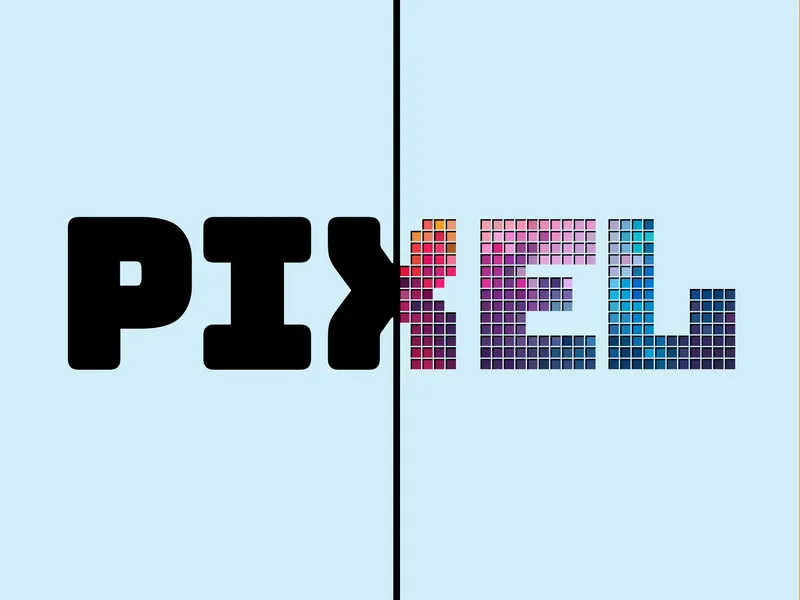
Turn any text into retro pixel art with crisp, blocky characters.

Canva app
Transform text into colorful pixel art.
Convert your text into fun and unique pixelated designs. Customize the shape and font, and add eye-catching 3D effects.
Turn any text into retro pixel art with crisp, blocky characters.
Pick colors for your pixels to match your brand or aesthetic.
Control resolution and pixel size until the look is just right.
Add pixel text directly to your Canva canvas.
Pixel text created with FontPixel.
Yes, all fonts can be used for commercial purposes with no restrictions.
First, make sure that the image you are using is high enough resolution. Low resolution images will appear blurry when added to high resolution designs.
Second, the app tries to automatically size the text so that it can fit the width of the page. Sometimes, it doesn't work perfectly. The workaround is to output to a page that has a higher resolution and copy to your real design.
Example: Create a new design (or add a new page on your existing design) and make it a custom size with dimensions bigger than your current page. Use the app to output to this new page, then copy the output to your real design. If you are designing for a standard size paper (8.5x11), you can try creating a new page with dimensions of 3000x3000.
If you have an image selected in your design, but the "Use selected image" button is disabled, it means that the image cannot be used. Only raster images (think photos) are compatible, while vector images (think simple graphics like icons and clipart) are not. This is a Canva limitation. However, there is a trick to get it to work. Put the image on a blank page in your design and download the image as either a PNG or JPG file. Then select the downloaded file in the app.
Canva does not allow apps to access their fonts.
Questions about how the app works? I'm happy to help.